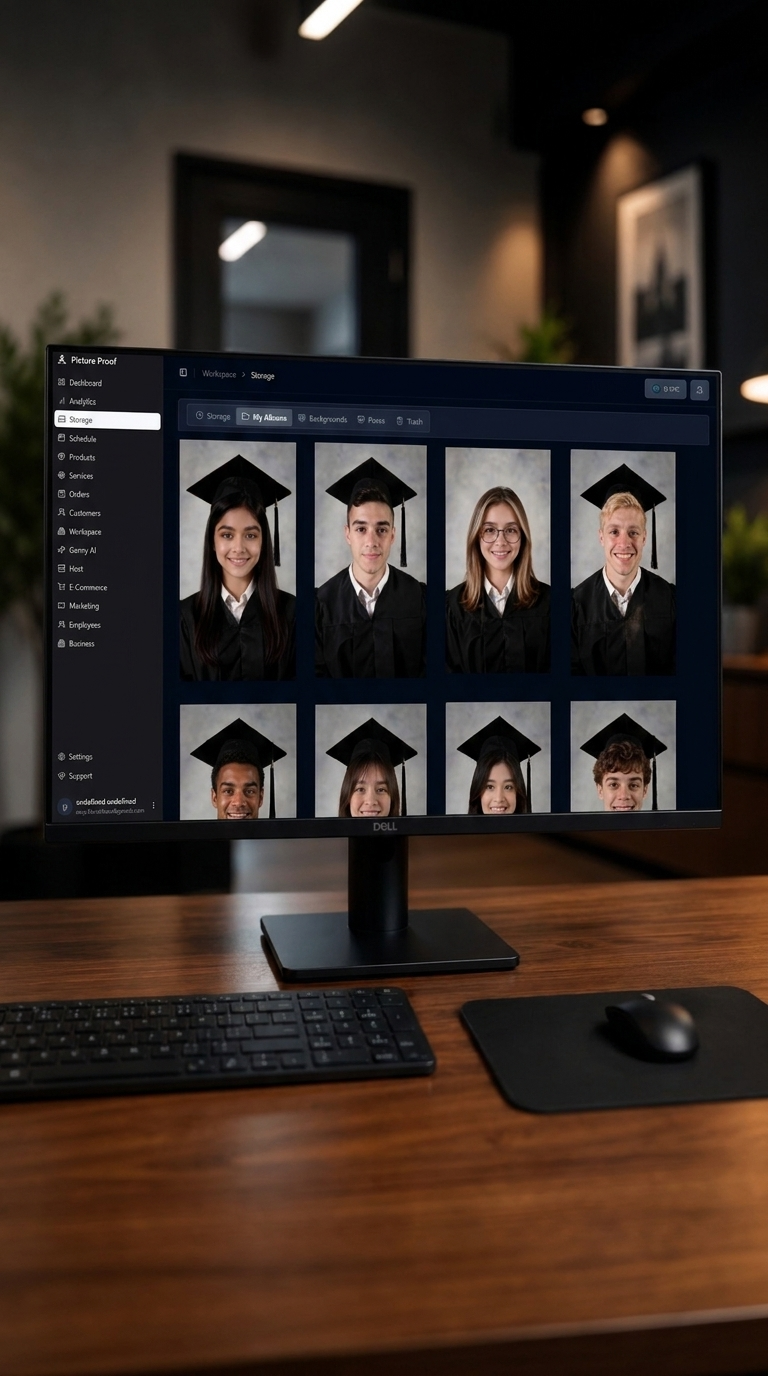
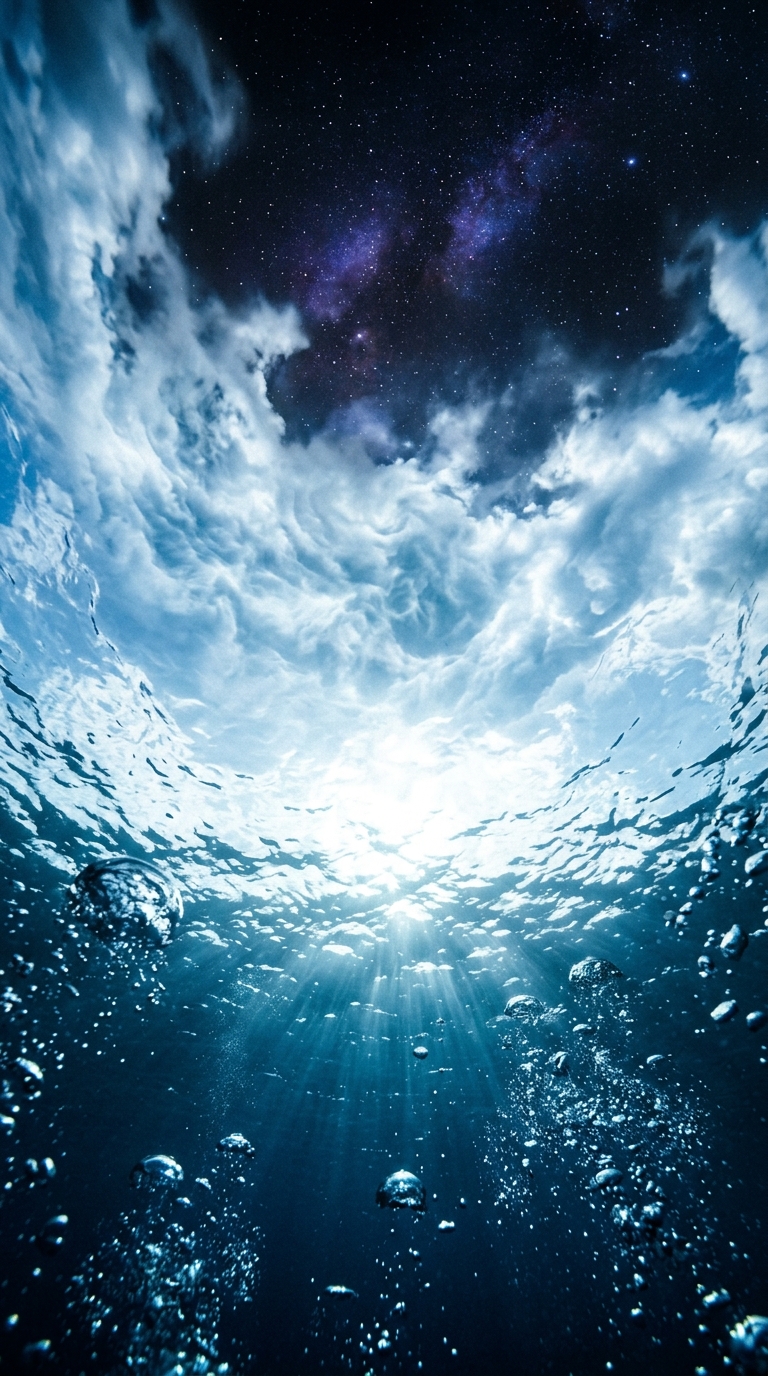
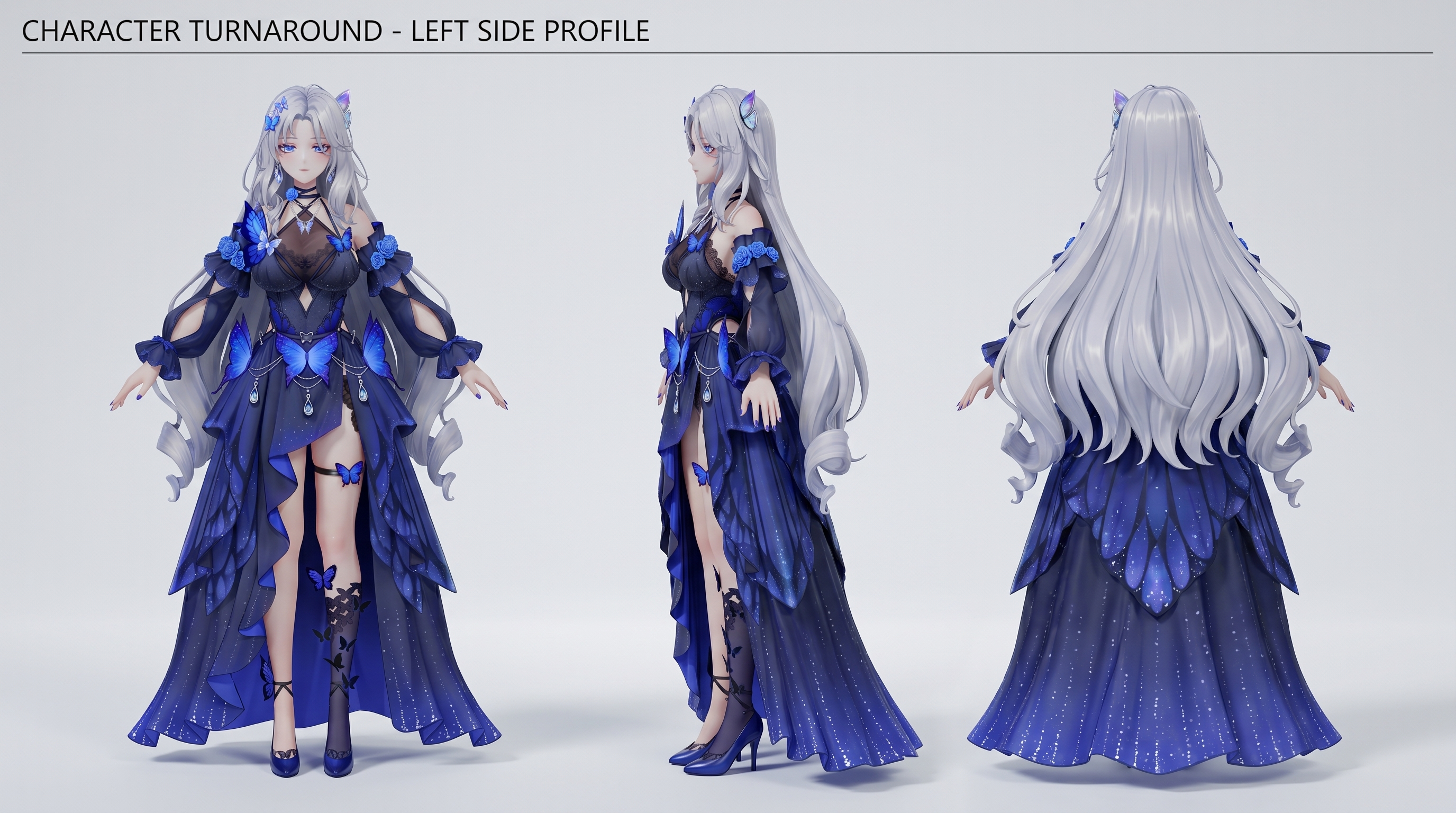
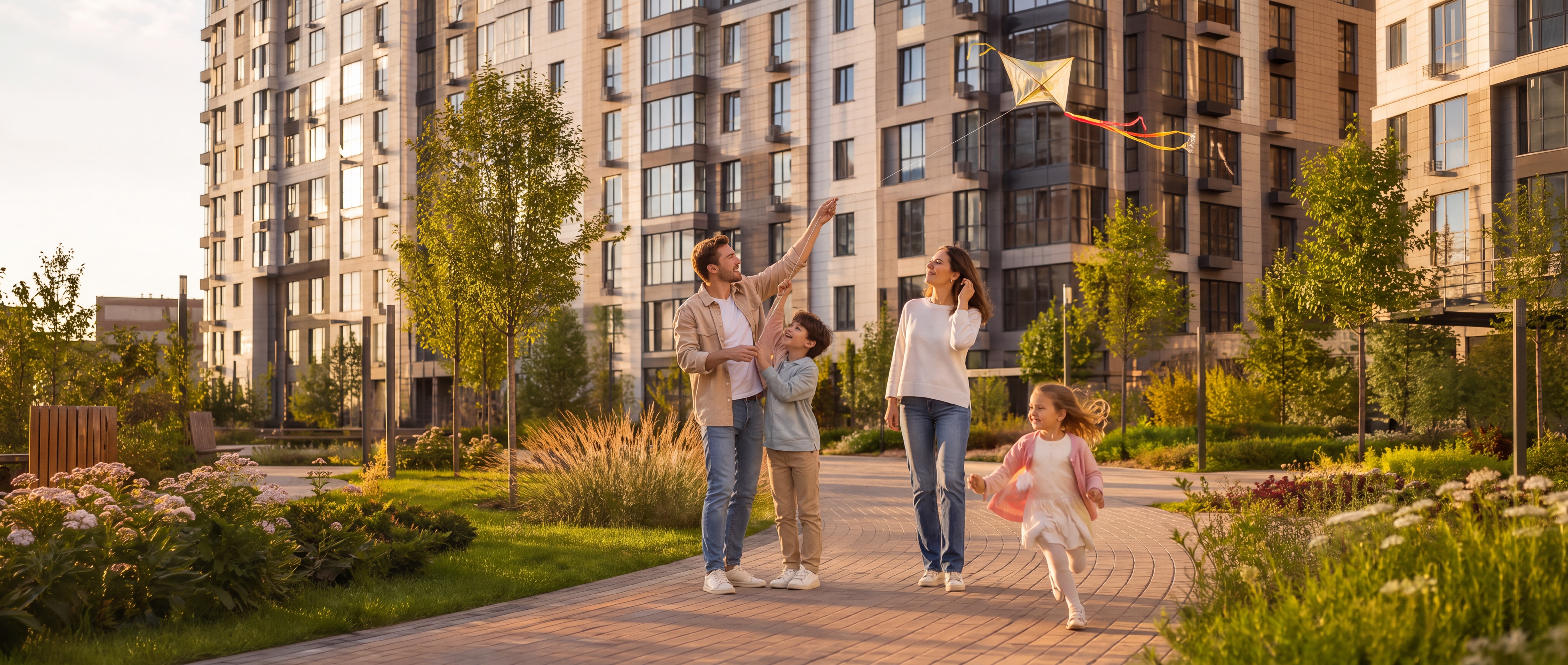
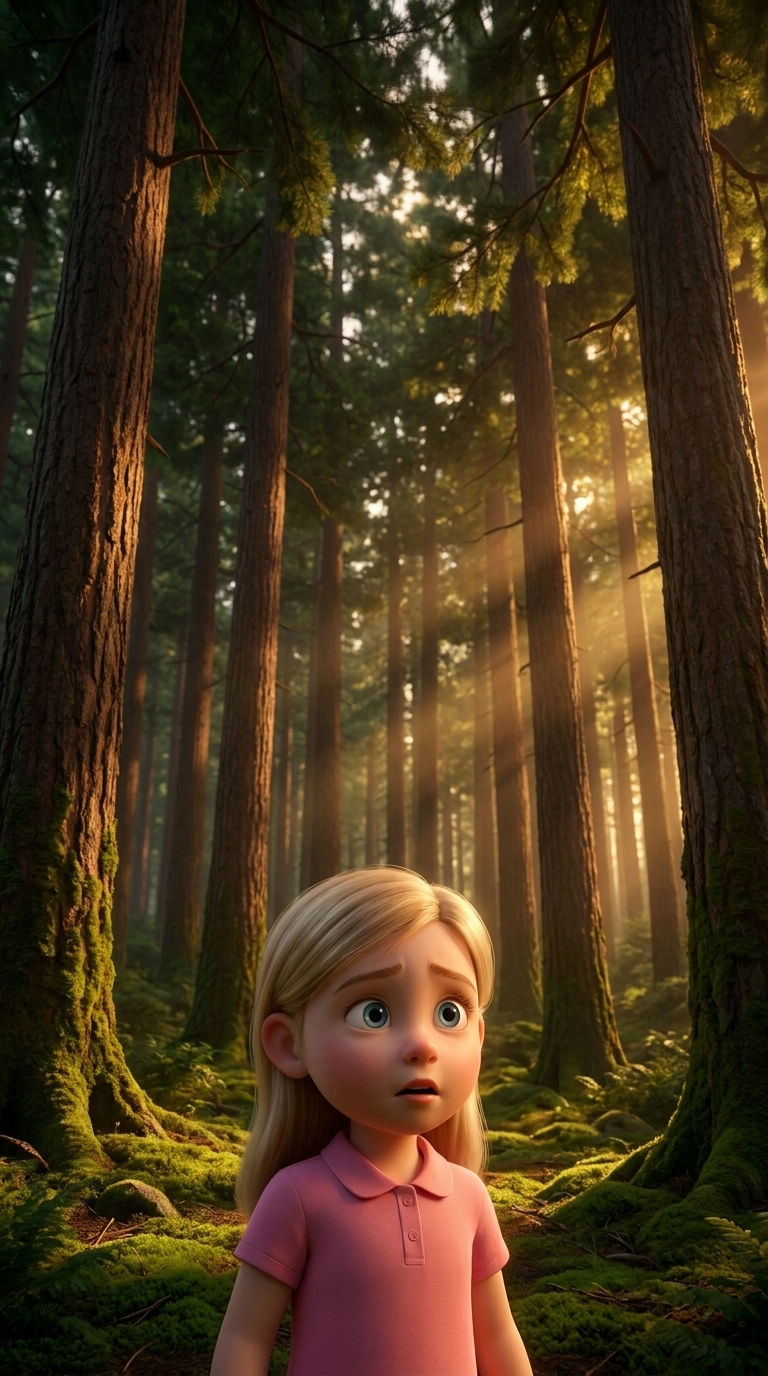
Edit the image. Keep the first image as the base scene.
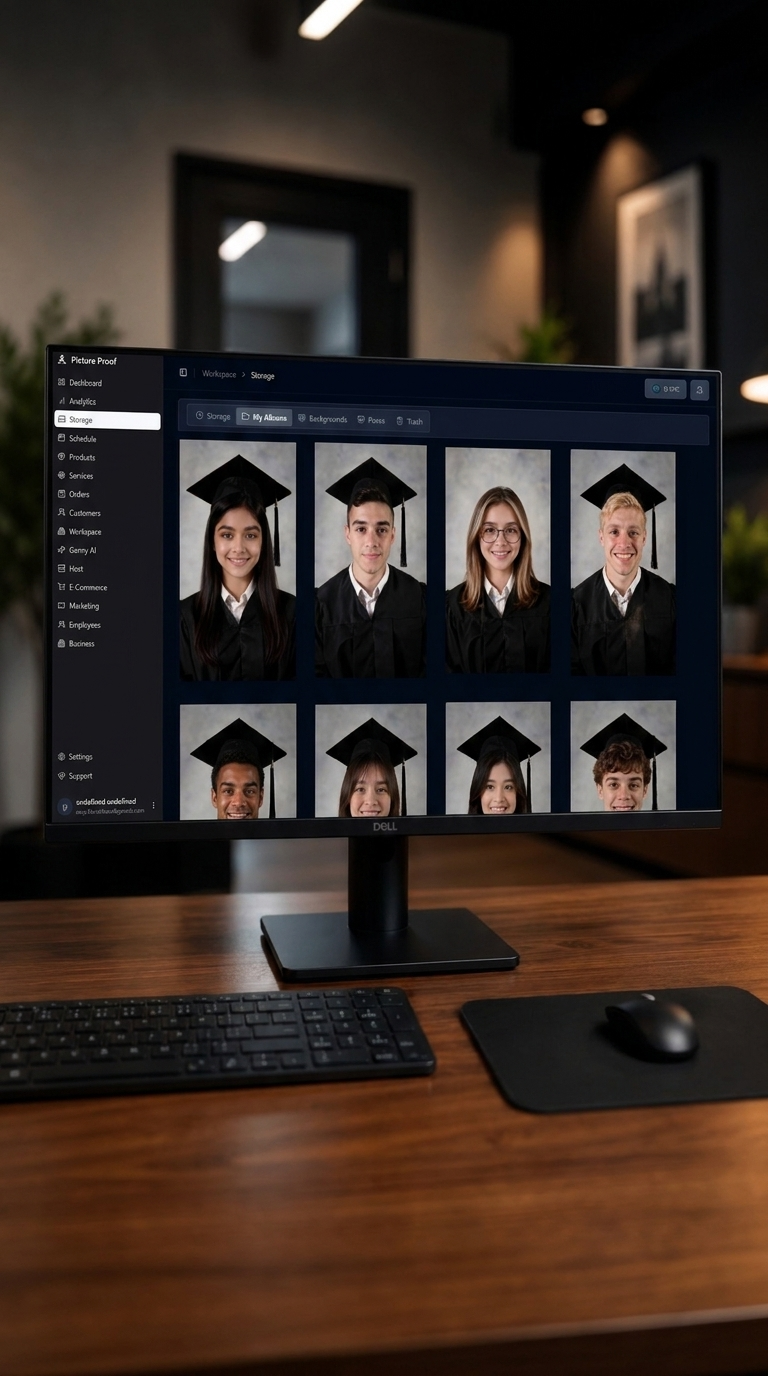
Replace ONLY the content displayed on the monitor screen with the second reference image.
The monitor itself must remain exactly unchanged:
same monitor, same bezel, same shape, same perspective, same reflections, same lighting, same position and size.
Remove the current screen content completely and insert the second reference image inside the screen area, perfectly aligned with the monitor borders.
Make the new screen content look like it is naturally displayed on the real monitor:
- correct perspective
- realistic screen brightness
- subtle reflections
- matching color and lighting of the scene
Do not change anything outside the monitor screen.
Do not modify the desk, room, objects or camera angle.
Do not generate a new monitor.
Do not blend the two screen images.
This is a monitor screen replacement edit, not a new image generation.