Image - 2026-11-17 15:13
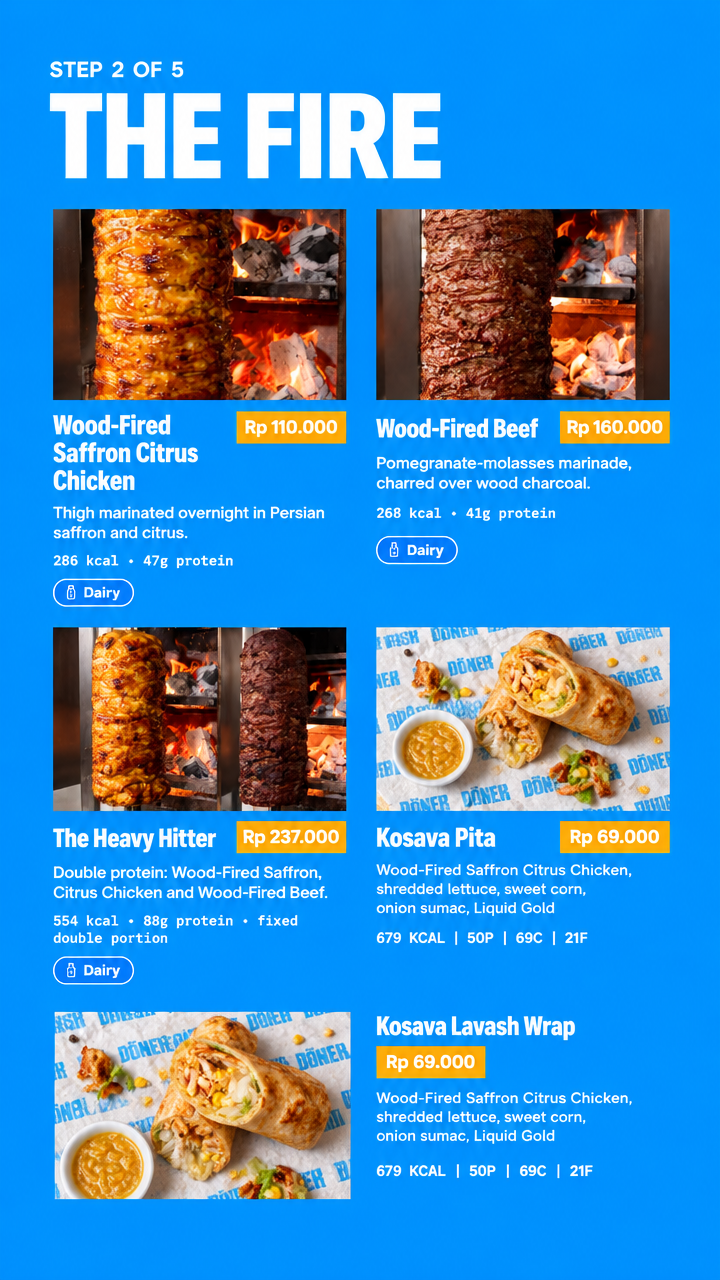
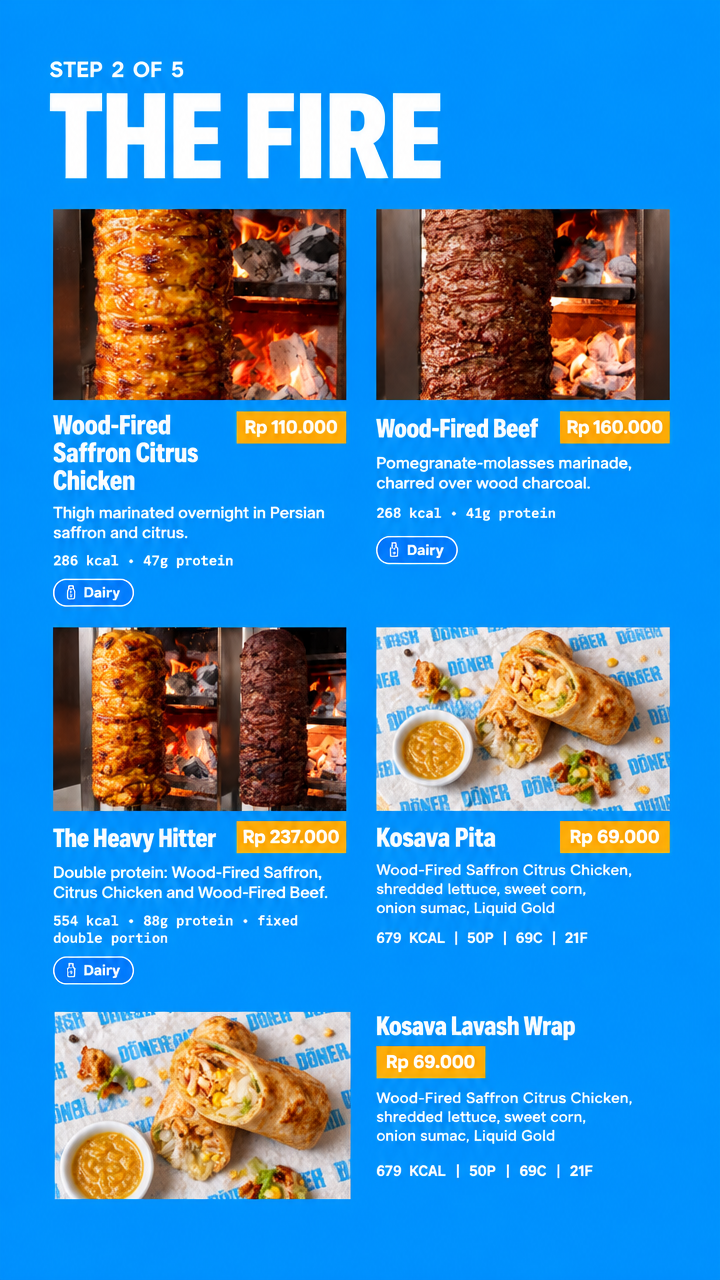
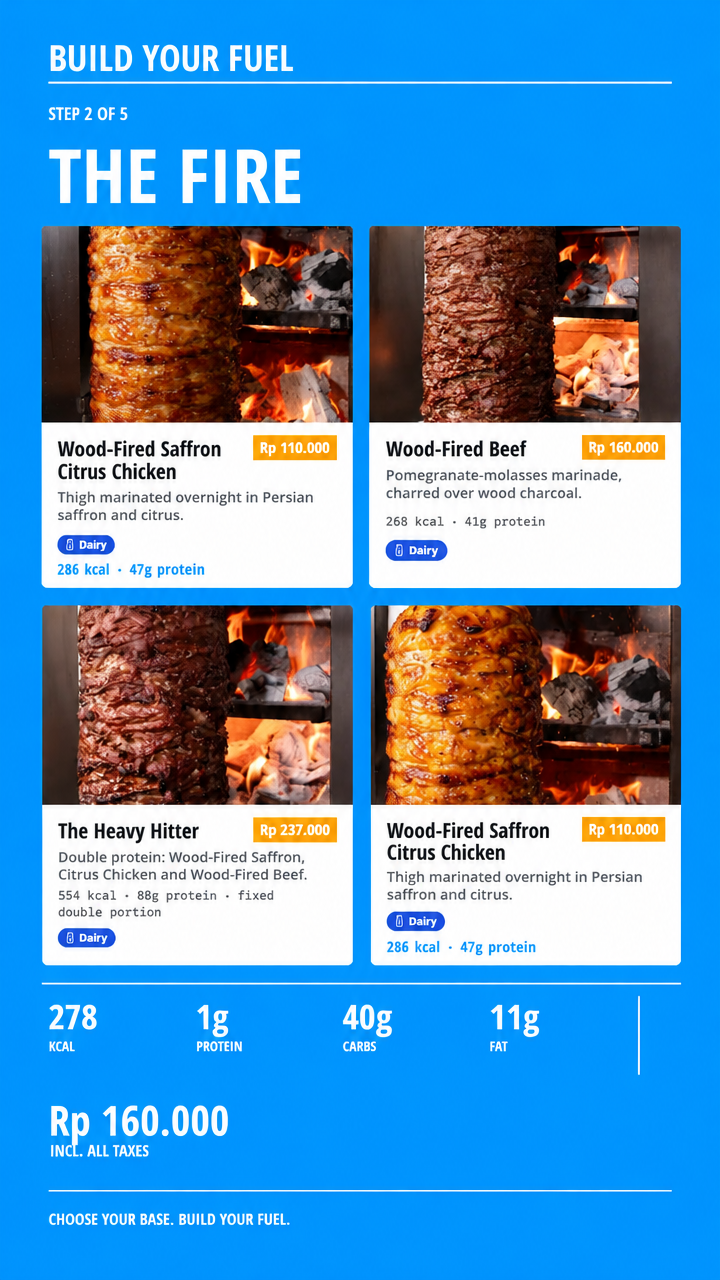
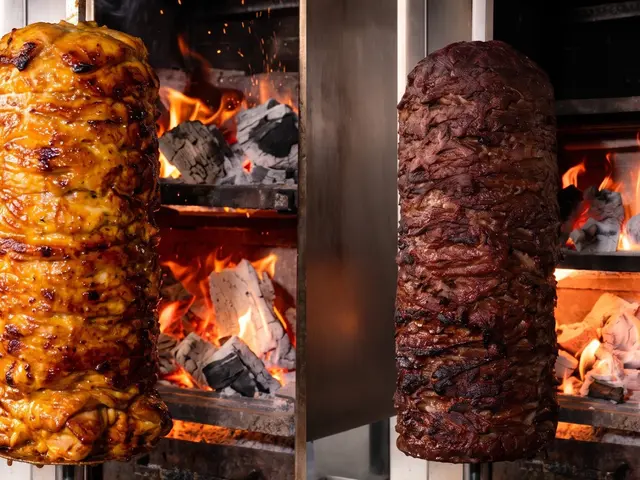
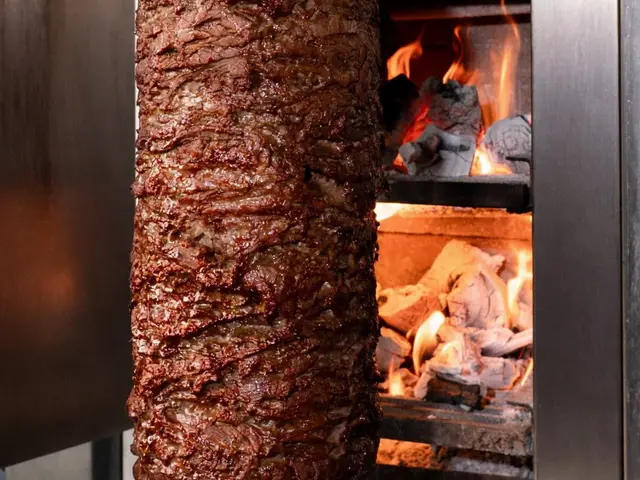
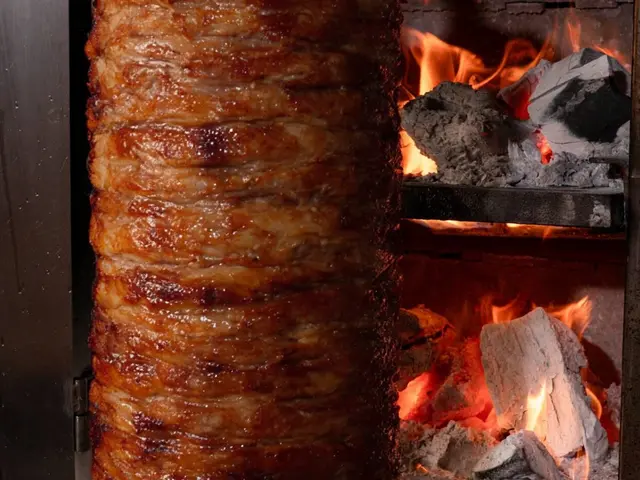
Create a professional Instagram Story design using the uploaded reference images. ### IMAGE 1 — DESIGN STYLE REFERENCE This image shows the exact visual identity and design style I want to follow. Carefully analyse and reproduce: - Typography and font hierarchy. - Text placement and alignment. - Spacing and overall layout. - Colours and visual style. **FONT REQUIREMENTS:** Use Open Sans UI Condensed (UIC One) throughout the design. - Headings: Bold. - Body text: SemiBold. **BACKGROUND COLOUR:** Use a solid blue background with the exact HEX colour: #0096FE. ### IMAGE 2 — CONTENT AND PRODUCT LAYOUT REFERENCE This is a screenshot of the website showing the content that needs to be transformed into an Instagram Story. IMPORTANT: Do not recreate the website interface. Use it ONLY as a reference for the information, product names, text, prices, descriptions, colours and product structure. Transfer ALL the relevant information exactly as shown in the screenshot. Keep all text accurate: - Preserve the original wording and spelling. - Do not translate, rewrite, shorten or invent any text. - Preserve all product names, including Kosava Pita and Kosava Lavash Wrap. - Keep all other product information, prices and details visible in the reference. - Preserve the original colour coding and product distinctions. ### IMAGES 3–6 — PRODUCT PHOTOGRAPHS These four images contain the actual food photographs that must be used in the final design. Use these exact photographs in the Story. Do not replace them with generated food or images from other references. Preserve the appearance of the original products. ### FINAL TASK Transform the website content into a visually appealing Instagram Story that follows the design identity from Image 1. Requirements: - Use the blue background #0096FE. - Follow the typography and visual hierarchy from Image 1. - Use Open Sans UI Condensed (UIC One). - Make headings Bold and body text SemiBold. - Include all relevant text and product information from Image 2. - Use the four actual food photographs from Images 3–6. - Preserve the original colour coding. - Arrange the text and photographs into a clean, balanced and easy-to-read composition. - Make the result look like a professionally designed restaurant menu Story, not a website screenshot. **STRICT RULES:** Do not omit any information from the content reference. Do not invent text, prices or product details. Do not change product names. Do not use random fonts or approximate the specified typography. Do not copy the website layout literally. Do not add unnecessary decorative elements. Do not alter the food photographs. The final design should look like a natural extension of the visual identity shown in Image 1, adapted specifically for an Instagram Story.
Free to start · Generate videos and images with AI in seconds
More from this creator
More Gpt Image 2.5 images
См. все →