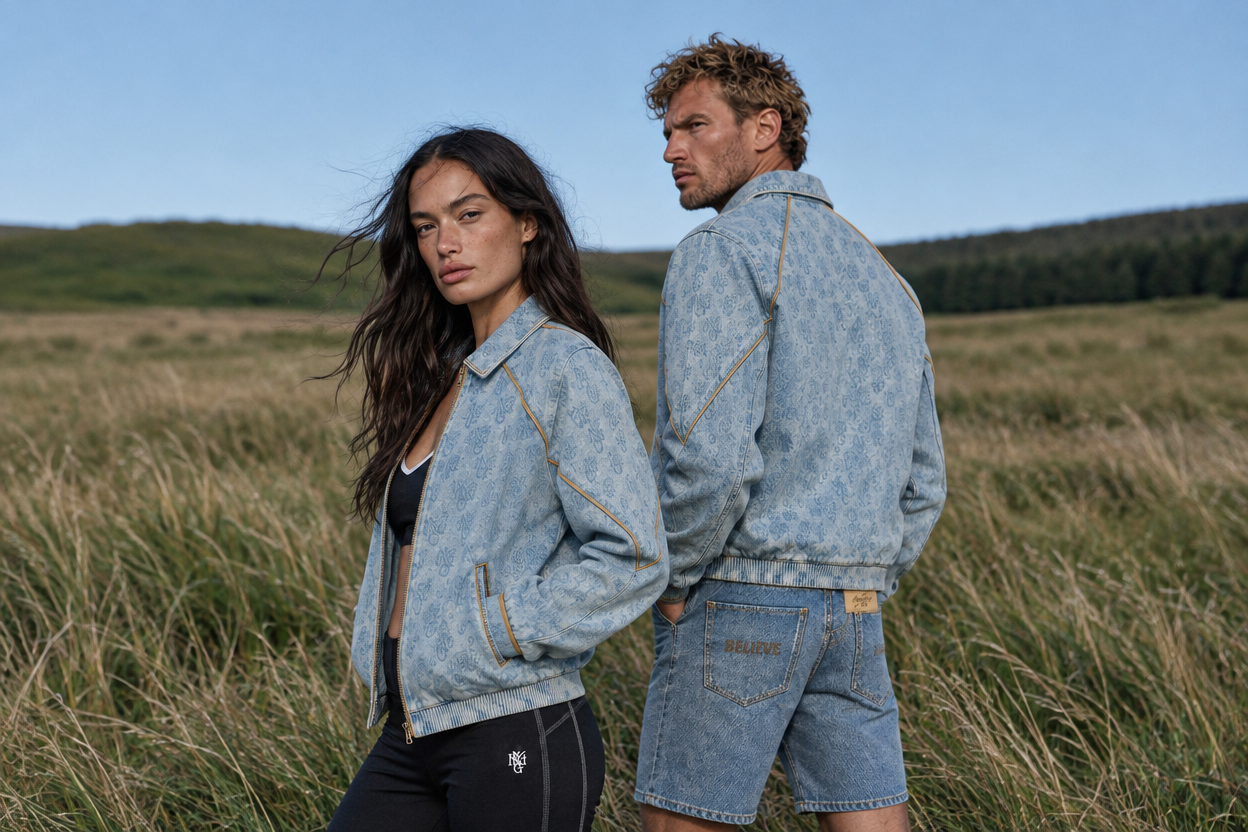
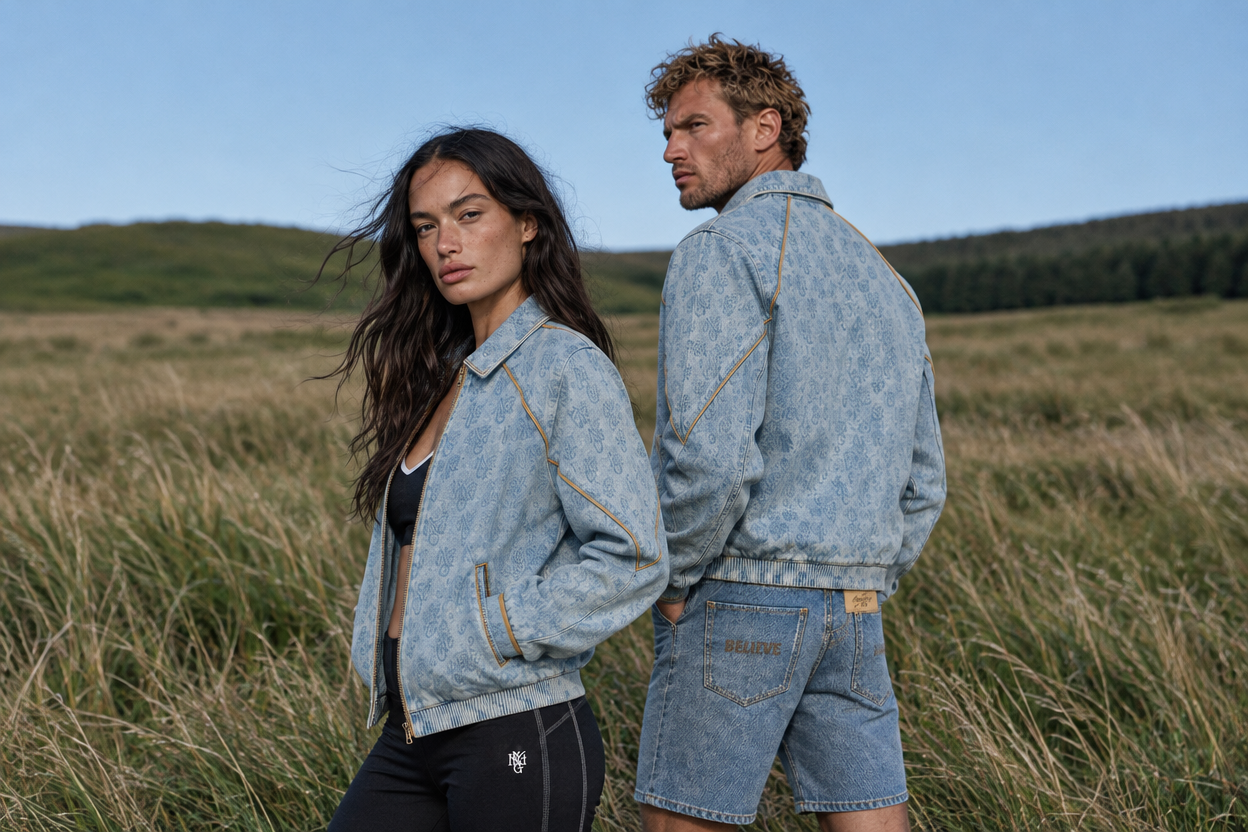
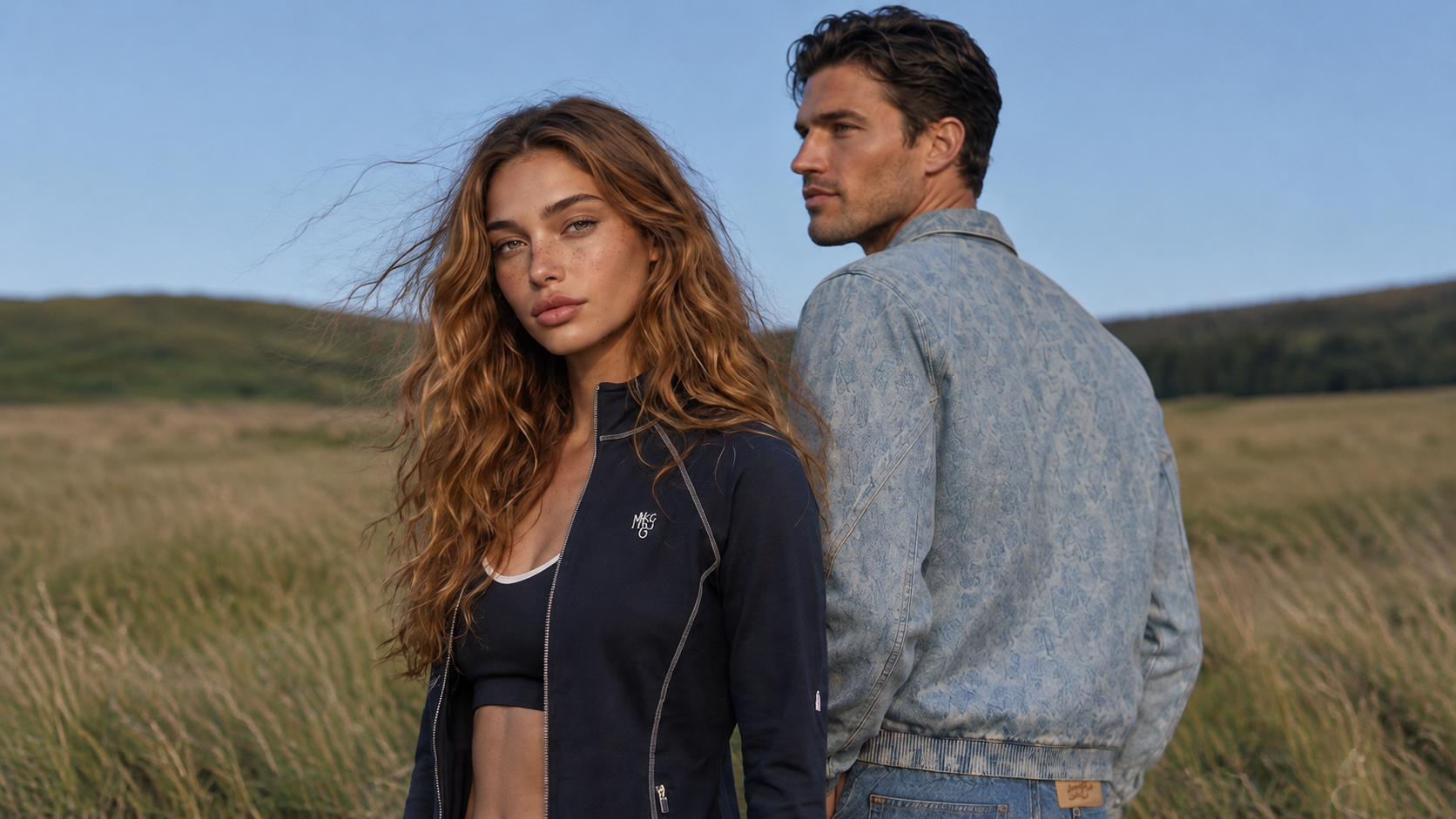
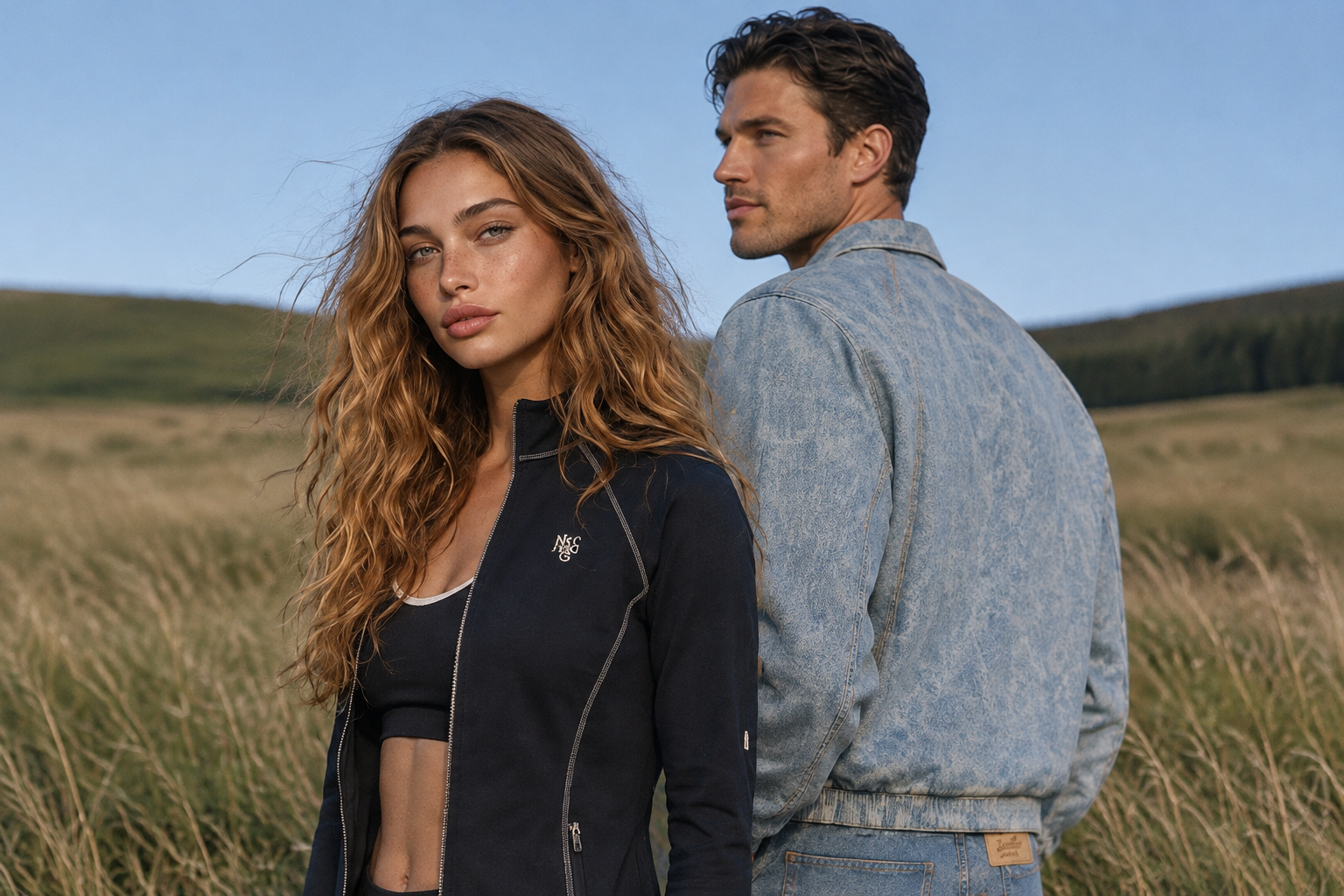
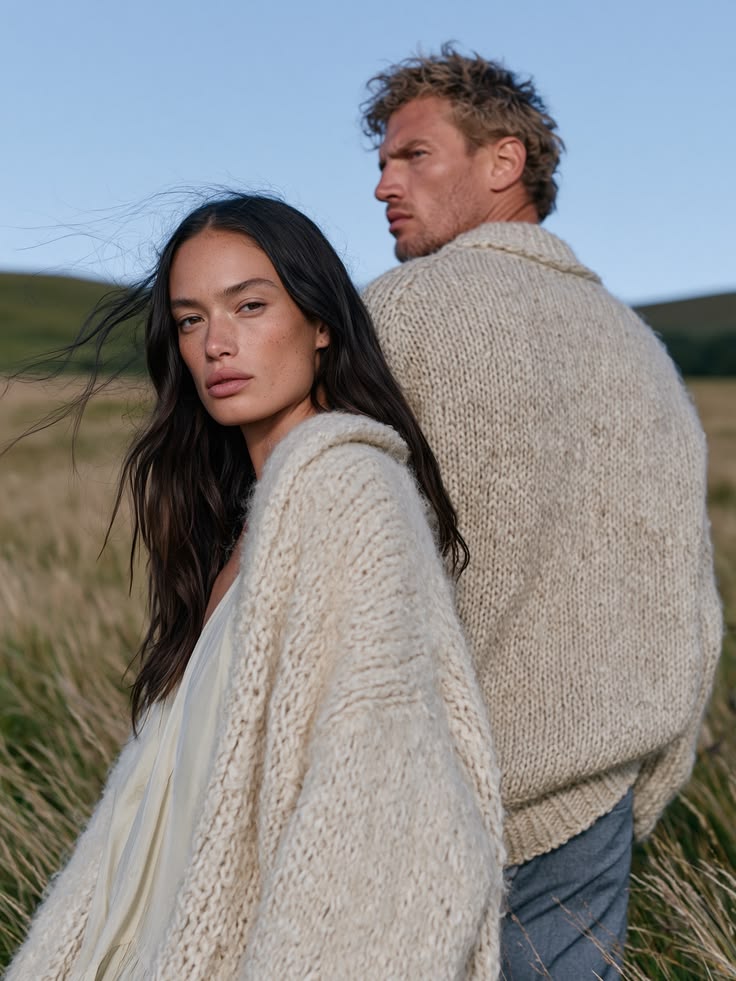
Edit the first image and create a new version of this photo.
- Image 1: the original photo with a man and a woman.
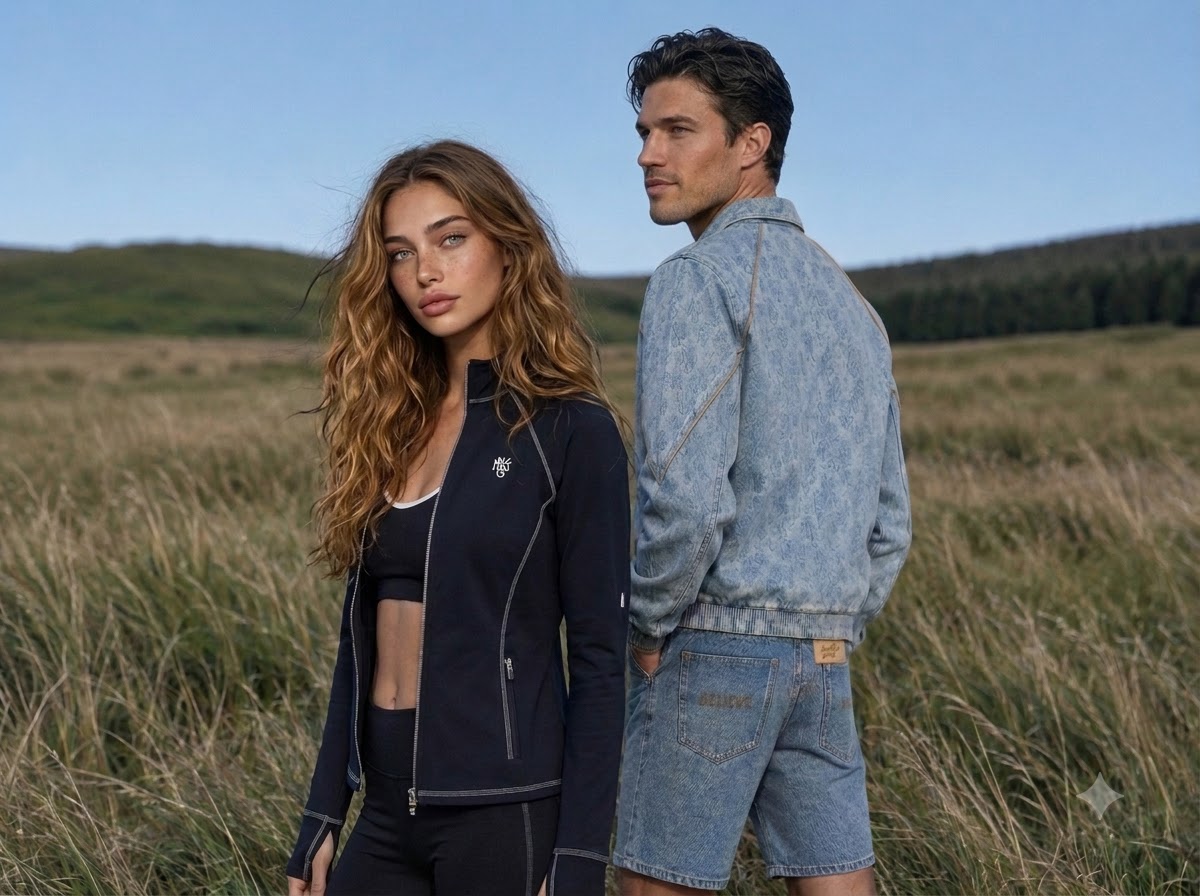
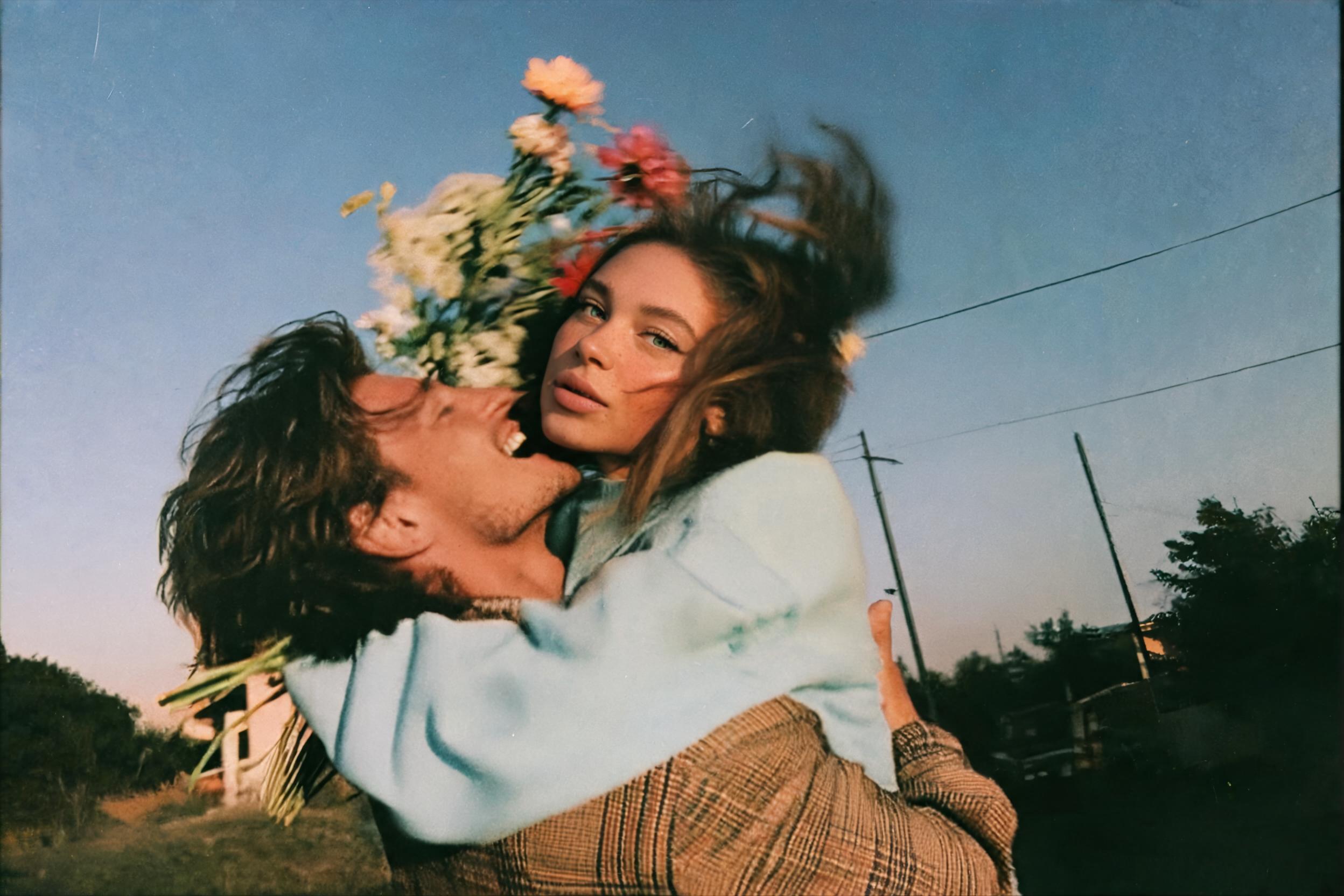
- Images 2 and 3: the clothes for the man.
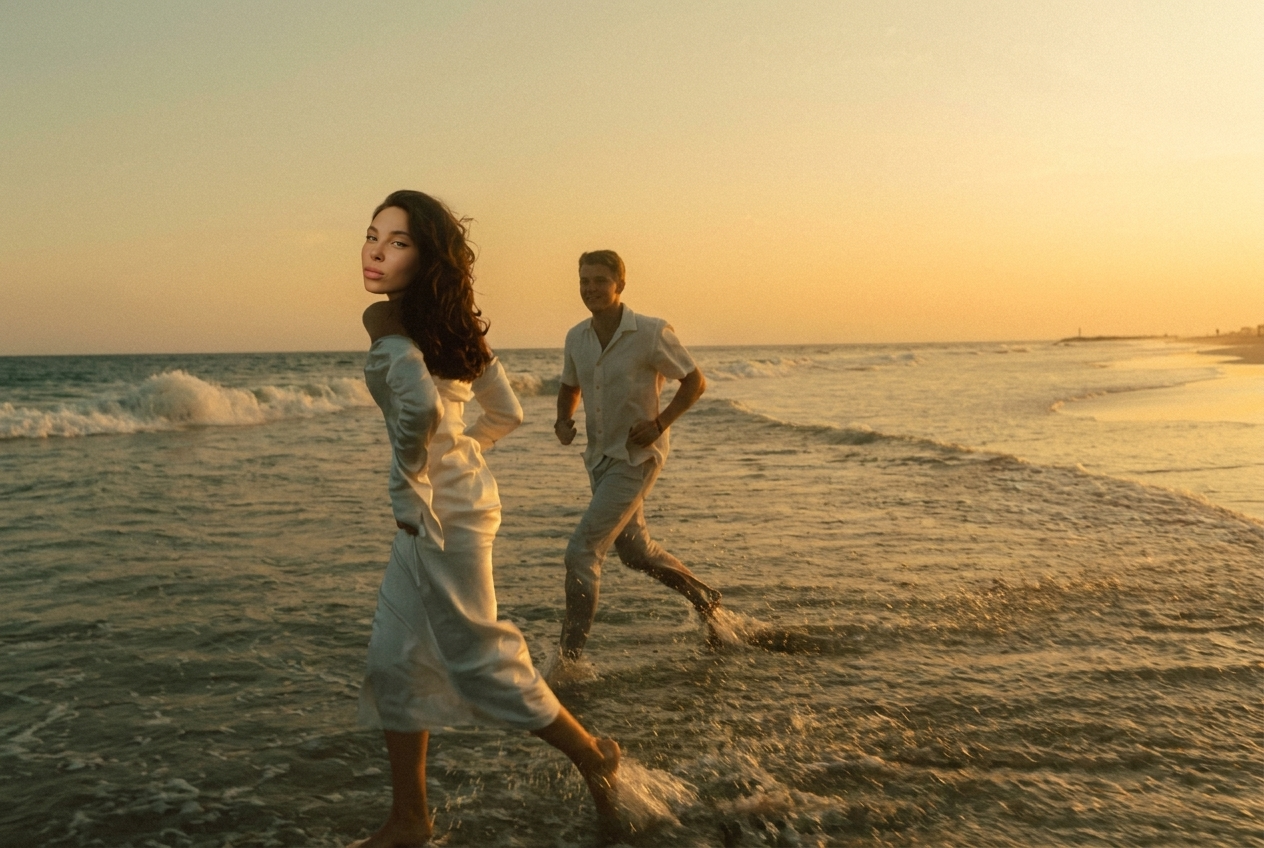
- Images 4 and 5: the clothes for the woman.
1. FACES: slightly change both faces so they become new people — similar overall look,
age, skin tone and hairstyle, but different facial features. Keep the faces natural
and photorealistic.
2. POSES: change the poses only a little — a small turn of the head or body, slightly
different hand and arm positions. Keep the same overall composition, mood and interaction
between them.
3. CLOTHES: dress the man in the clothes from images 2 and 3, and the woman in the clothes
from images 4 and 5. Copy each garment exactly — cut, fit, length, colour, fabric texture,
seams, pockets, zippers, logos, prints and embroidery. The clothes must fit their bodies
naturally, with realistic folds and shadows. Remove their original clothes completely.
4. FORMAT: make the image horizontal, 1920 × 1400 px. Extend the background naturally
to the sides so nothing looks stretched or cropped, with both people fully in frame.
Keep the same location, background style, lighting and colour mood as image 1.
Photorealistic, editorial fashion photo. No text, no watermarks.